Settings & admin
Enable clients
Add client grouping to projects, reports, rates, and exports.
Turn on Clients to group projects under the companies you bill and add client-level reporting, rates, and exports.
- Open General settingsSelect Settings, then General under Workspace.
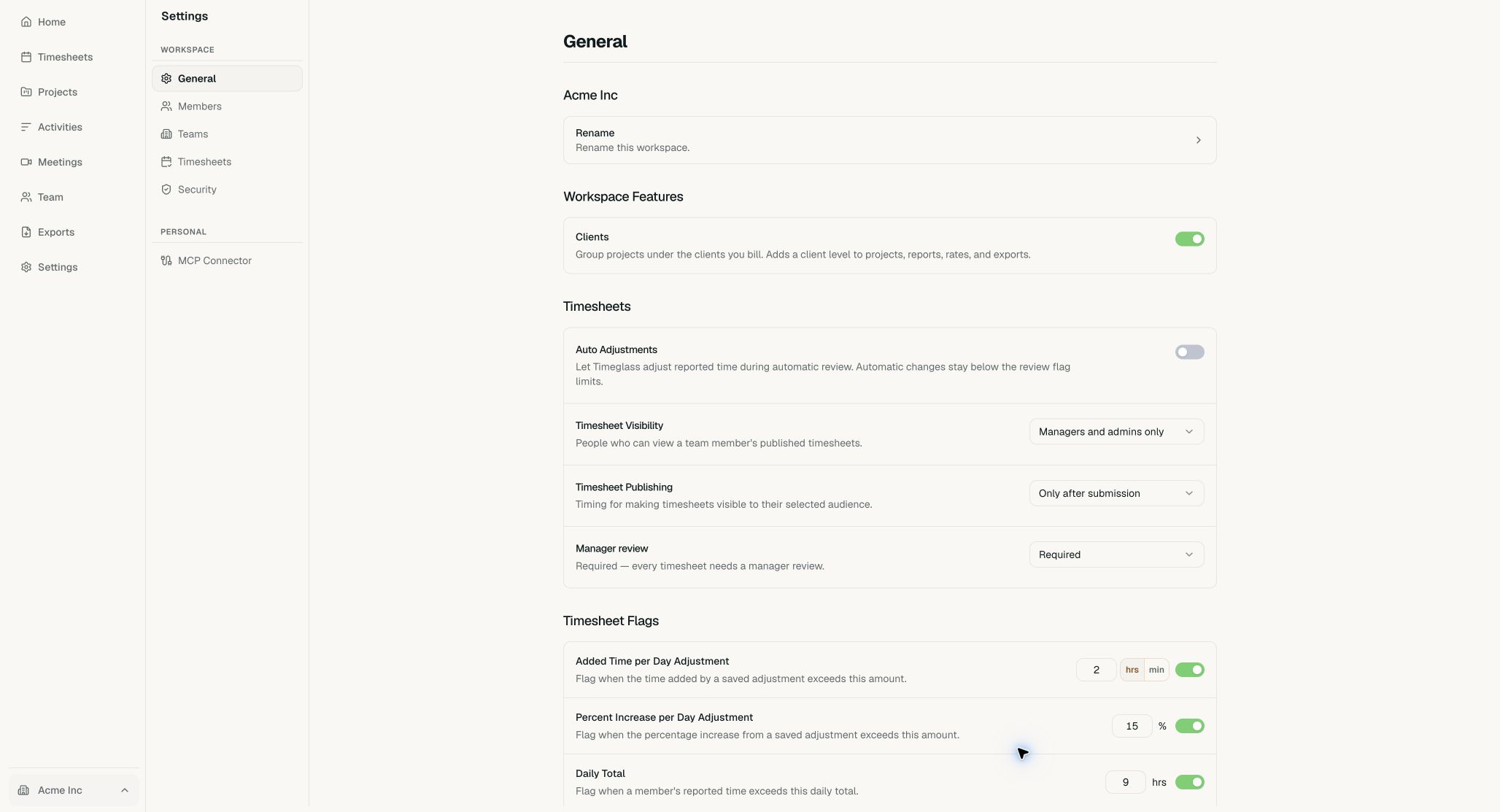
Clients is listed under Workspace Features. - Turn on ClientsSwitch on Clients. Timeglass saves the setting immediately and adds client fields to projects, reports, rates, and exports.
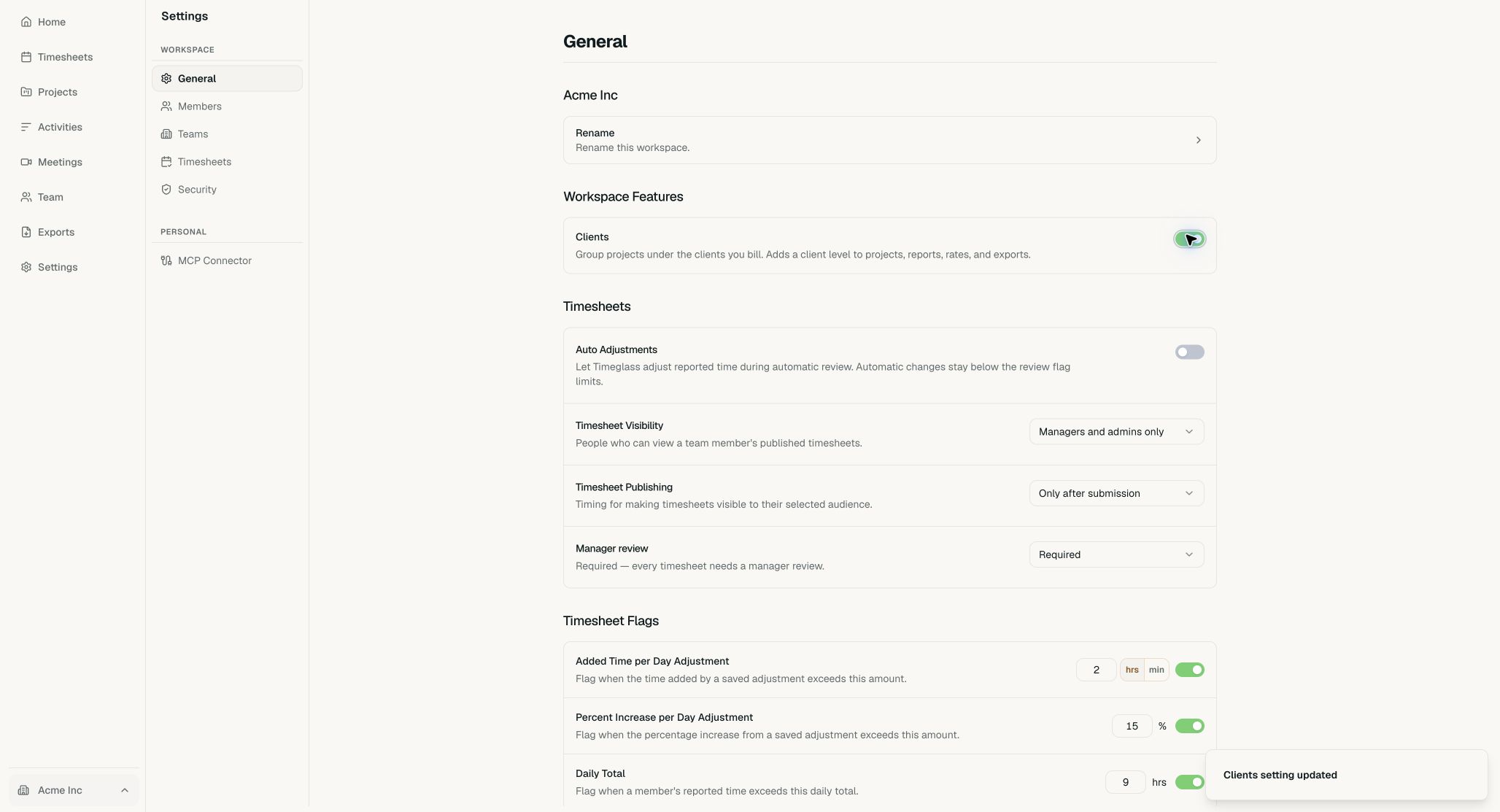
The green switch and confirmation show that Clients is enabled.