Settings & admin
Configure timesheet publishing
Choose when submitted timesheets become visible.
Choose when submitted timesheets become visible to the audience set by Timesheet Visibility.
- Open General settingsSelect Settings → General. Find Timesheet Publishing in the Timesheets section.
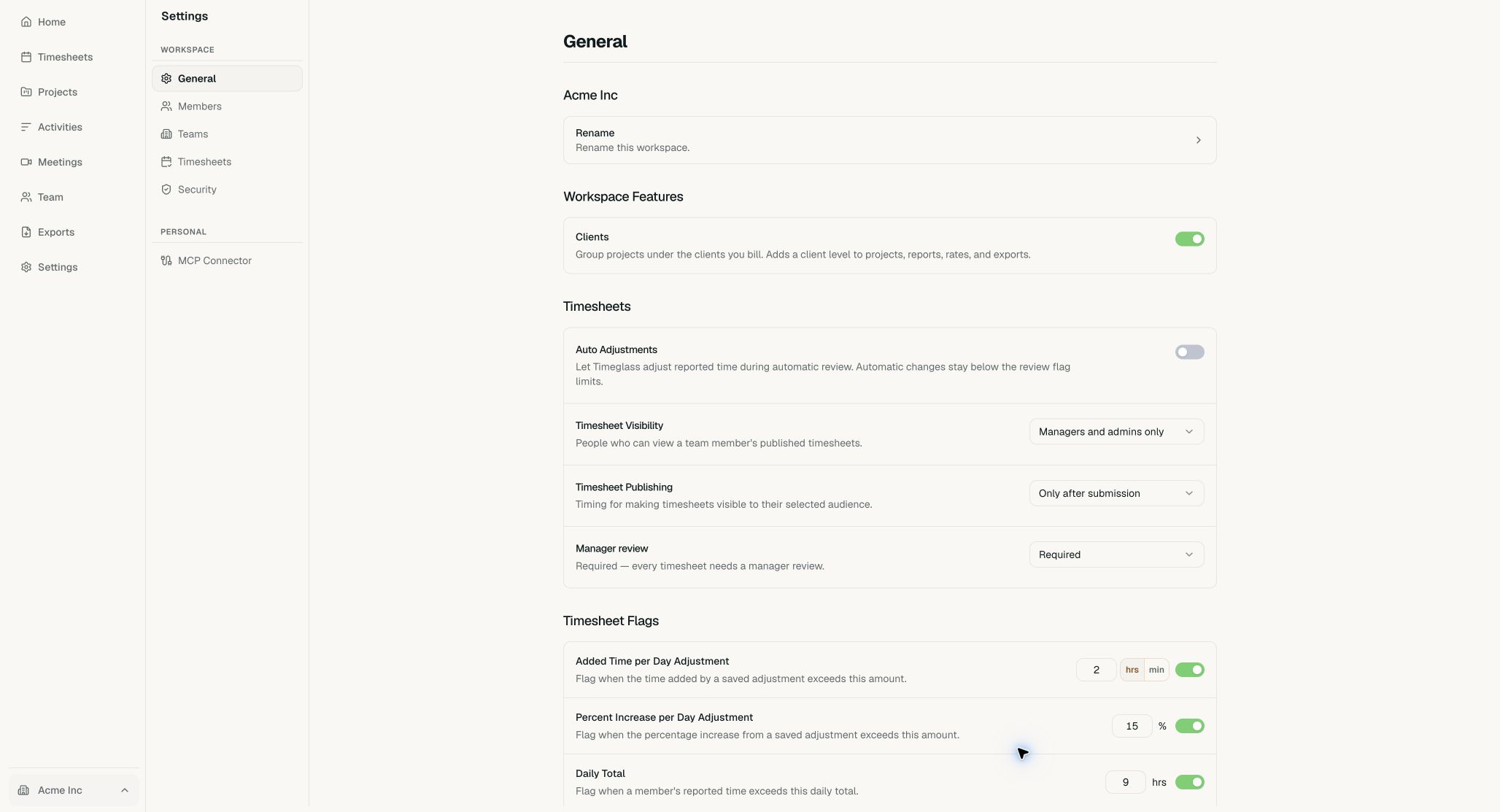
Visibility, publishing, and manager review are in the Timesheets section of General. Timesheet Flags has its own section below it. - Choose the publishing ruleOpen Timesheet Publishing. Choose Only after submission, Automatically after a delay, or Right away.
- Set the delay when neededWhen you choose Automatically after a delay, set the number of days next to Publish after, from 1 to 30. Timeglass saves the change automatically.
Auto Adjustments
The Auto Adjustments switch is the first row of the Timesheets section. Turn it on to let Timeglass adjust reported time during automatic review. Automatic changes stay below the review flag limits.
Common questions
I can’t find Timesheets in Settings. Where is it?
Timesheet settings are in the Timesheets section of Settings → General, below Workspace Features.